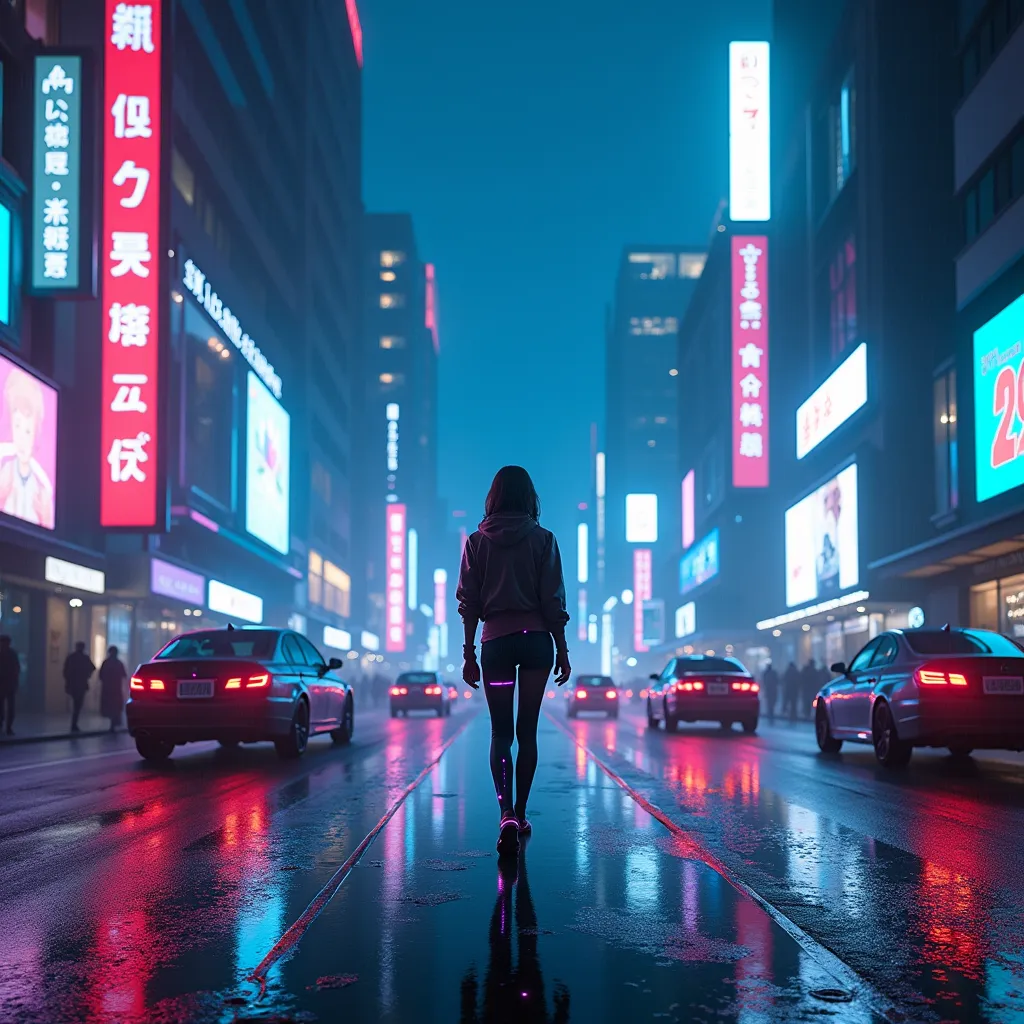
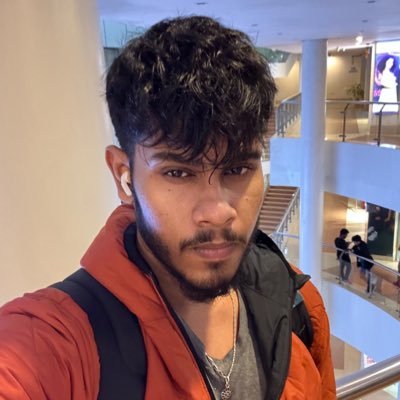
An uncensored AI image editor is a tool where you upload a picture, type what should change, and get the edit back without a refusal over ordinary dark, mature or edgy material. In November 2026 you have three real choices. A hosted editor with looser rules, such as Cleus Imagine. Open edit models that you run on your own computer in ComfyUI. Or a mainstream editor like Photoshop, ChatGPT or Gemini, which gives excellent results and blocks the most.
One rule comes before any tool. Editing a photo of a real person into sexual or nude content without their consent is banned on Cleus and against the law in a growing number of places. Nothing sexual involving minors is allowed anywhere, ever. The Cleus Content Policy spells this out, and if an intimate image of you was made or shared on Cleus without your consent, the form at cleus.ai/report gets it removed. This guide does not cover ways around those rules, and every example below uses a self-portrait, a generated character, a product or scenery.
Disclosure: Cleus publishes this blog and is listed first. Where another tool is better, we say so.
What an uncensored AI image editor actually does
"AI image editing" covers four different jobs, and a tool can be good at one and poor at the next.
Four kinds of AI image edit
Step through them. Most tools do two or three well.
Upload a picture and say what to change: 'make it night', 'red leather jacket'. The model decides which pixels move. Best for outfits, backgrounds, lighting and combining images.
Most people searching for an uncensored AI photo editor want the first one, instruction editing: upload a picture, write "make it night" or "change the jacket to red leather", and the model works out which pixels to change. Use inpainting when nothing else may change, image-to-image for restyles where faces are allowed to drift, and outpainting to widen the frame. Upscaling comes last and only makes the finished picture larger and sharper.
Uncensored AI image editors compared
| Option | Edit types | What it blocks | Free option | Best for |
|---|---|---|---|---|
| Cleus Imagine | Instruction edits, up to 4 images combined, inpaint, expand, restyle, upscale, describe | Sexually explicit and NSFW imagery, sexual images of real people, anything sexual with minors, gore made to shock, illegal content | One free picture a day; edits need Premium | Fast edits with few refusals, no setup |
| ComfyUI with open edit models | All of them, with full control over every setting | The software adds no content rules; the law still applies to you | Free software, your hardware | Privacy, volume, people with a GPU |
| Photoshop Generative Fill | Add, remove, expand inside a selection | Adobe bans pornographic material and explicit nudity | Needs a Photoshop plan | Precise retouching of safe-for-work photos |
| ChatGPT images | Instruction edits in chat | Likeness without consent, non-consensual intimate content | Check OpenAI's plans | Highest edit quality on public tests |
| Gemini (Nano Banana) | Instruction edits in chat | Sexually explicit content made for sexual gratification | Check Google's plans | Quick everyday edits |
| Grok Imagine | Instruction edits | Since January 2026, edits putting real people in revealing clothing | Paid subscribers only | People already paying for X |
Cleus Imagine: the hosted option (ours)
Imagine is the image and video studio inside Cleus, an uncensored AI for chat, characters, stories and media. Editing works two ways.
From the composer, add up to four images and write the instruction. You can refer to them as image 1, image 2 and so on, which is how you put a product into a scene or bring two generated characters into one frame. From any finished image, the viewer has a row of tools: Edit an area (paint over a part and describe the change), Expand (add more picture to the left, right, top or bottom), Restyle (redraw it in another style, with presets like Anime, Oil Painting, Comic Book and Claymation), Upscale (4× larger and sharper) and Describe.
The model picker includes Uncensored+, our least-filtered image model, next to Quality+, Pro+, Nano Banana 2.1, GPT Image 2.5 and others. The big-name models keep their makers' content rules, so a dark or mature edit that fails on one of them is worth retrying on Uncensored+.
Honest limits:
- Edits are a Premium feature. A free account makes one picture a day. Prices are shown in the app before you generate.
- It still refuses things. An edit that starts from an uploaded photo is checked more strictly than a text-only prompt, and instructions that name celebrities or other public figures are usually refused.
- The Content Policy applies to every model. Read the policy for the full list. Uncensored means horror, violence in fiction, satire and mature themes with made-up adults get drawn. The policy does not allow sexually explicit or NSFW imagery, and a real person's photo can never be sexualised.
- It is hosted. Your uploads go to our servers. If that is a deal-breaker, the next option is the one for you.
To make images from text instead, our uncensored AI image generators roundup covers that side, and the video generators guide covers animating the result.
Local tools: ComfyUI and open edit models
Running the editor on your own computer is the only setup where no company reads your prompt or your photo. ComfyUI is the standard tool. It is free under the GPL-3.0 licence, runs on Windows, Linux and macOS, and its README says the core runs fully offline and downloads nothing unless you ask. It is also the honest answer to "free uncensored AI image editor": the software costs nothing and you pay in hardware and setup time.
ComfyUI's supported list of edit models is long. The ones worth knowing today:
- Qwen-Image-2.1 from Alibaba's Qwen team. One 7B checkpoint handles both generation and editing, takes up to 10 reference images and outputs real transparency. On the Arena image-edit leaderboard dated November 16, 2026, it is the best open model, at 90% of the frontier score. Its model card lists a research licence, so read it before commercial use.
- FLUX.2 klein from Black Forest Labs. The fastest model in the FLUX family, with single and multi-reference editing. ComfyUI's docs list the distilled 4B version at 8.4 GB of VRAM.
- FLUX.1 Kontext dev. A 12-billion-parameter editing model that is good at changing one thing while keeping a character consistent across repeated edits.
- Qwen-Image-Edit 2509. The older Qwen editor, with precise text edits inside images and multi-image input.
Classic inpainting is built in. Right-click a Load Image node, open the mask editor, brush over the area and save.
The catches are real. You need a recent graphics card, node graphs take an evening to learn, and each model has its own licence. Nobody filters you, so the legal responsibility is entirely yours: the rules on real people and minors are laws, not product settings. Our local models guide covers the hardware side.
Mainstream editors and what their filters block
Mainstream editors are often the better tool. On that same Arena leaderboard, OpenAI's GPT-Image-2.5 leads single-image editing with a score of 1,519, ahead of every open model. If your edit is safe for work, use the best editor you have access to.
The trade is the filter:
- Adobe Photoshop and Firefly. Generative Fill adds and removes content from a selection with a text prompt, and Generative Expand extends the canvas. Adobe's generative AI guidelines, updated May 15, 2026, ban pornographic material and explicit nudity along with graphic violence and gore.
- ChatGPT. OpenAI's usage policies, effective November 20, 2026, ban using someone's likeness without consent and non-consensual intimate content.
- Gemini. Google's generative AI policy bans sexually explicit content created for pornography or sexual gratification, and content that facilitates non-consensual intimate imagery.
- Grok. In January 2026, after a global backlash over sexualised edits of real people, X said it had blocked Grok from editing images of real people into revealing clothing and limited image creation and editing to paid subscribers.
These filters work on the prompt, the uploaded image and the finished result. That is why reworded prompts rarely help for long, as we explain in why Grok jailbreak prompts stop working.
Five example edits, with the instruction text
These are written for Cleus Imagine, but the wording works in any instruction editor. Say what changes, then what must stay.
1. Outfit swap on a self-portrait. Upload your own photo.
Change my grey hoodie to a black leather jacket over a white t-shirt. Keep my face, hair, pose and the background exactly the same.
2. New background for a product. Upload a plain product shot.
Put the sneaker from image 1 on wet asphalt at night with neon reflections. Keep the shoe's shape, colours and stitching unchanged.
3. Combine two images. Upload a generated character and a photo of a room.
Place the woman from image 1 on the sofa in image 2, sitting cross-legged with a mug. Match the warm evening light from the window on the left.
4. Remove an object. Open a beach photo, choose Edit an area and paint over the bin and the sign.
Empty sand and sea, matching the rest of the photo.
5. Dark restyle, then a wider frame. Open a self-portrait and choose Restyle.
Redraw as a 1980s horror film poster painting: heavy shadows, blood-red sky, film grain.
Then choose Expand, pick a direction, and describe the new area ("more of the foggy graveyard, same light"). Upscale the one you keep.
Two habits save retries: change one thing per edit, and name what must not change.
Which kind of edit do you need?
Four quick cases. Pick the tool that fits.
You want to delete a parked car from a street photo and leave everything else untouched.
Uncensored AI image analyzer: describing a picture
Some searches are for an uncensored AI image analyzer: a tool that says plainly what is in a picture, including a violent film still, a medical photo or a painting with nudity that a mainstream assistant won't discuss.
In Imagine, Describe writes a detailed description of any image, and one tap turns that description into a prompt you can edit and run. That makes it useful for image analysis and for recreating a look: describe a reference, change two details, generate. You can also attach a picture in Cleus chat and ask questions about it.
A local vision model does the same job offline. Use an analyzer on your own pictures and on public artwork; trying to identify a stranger from a photo is a privacy problem whatever tool you use.
Uncensored AI image editor FAQ
What is the best uncensored AI image editor? For speed and no setup, a hosted editor with looser rules; we build Cleus Imagine for that. For privacy and total control, ComfyUI with Qwen-Image-2.1 or FLUX.2 klein. For safe-for-work edits, mainstream editors currently score highest on quality.
Is there a free uncensored AI image editor? Yes, if you have the hardware. ComfyUI and the open edit models are free to download and run. Hosted editors cost money to run, so their free tiers are small: a free Cleus account makes one picture a day, and edits come with Premium.
Can an uncensored AI photo editor edit photos of real people? Ordinary edits of your own photos are fine: outfits, backgrounds, lighting, style. Sexual or nude edits of a real person without their consent are banned on Cleus and on every service in this guide. In the United States, the TAKE IT DOWN Act covers AI-made forgeries, and since May 19, 2026 platforms must remove reported images within 48 hours of a valid request.
What is the difference between image-to-image and inpainting? Image-to-image redraws the whole picture using yours as a guide, so everything can shift. Inpainting changes only the area you mask. An uncensored AI image to image generator suits restyles; inpainting suits fixes.
Why did my edit get refused on an "uncensored" editor? Usually one of three reasons: you picked a mainstream model, the instruction named a real public figure, or the content policy bans the request. Sexual content of a real person stays refused.
Sources
- Cleus Imagine, Cleus Content Policy and removal request form
- ComfyUI README (GitHub)
- ComfyUI blog: Qwen-Image-2.1 in ComfyUI (Sep 20, 2026)
- Qwen-Image-2.1 model card (Hugging Face)
- ComfyUI docs: FLUX.2 klein
- ComfyUI docs: FLUX.1 Kontext dev
- ComfyUI docs: Qwen-Image-Edit
- ComfyUI docs: inpainting
- Arena image-edit leaderboard (Nov 16, 2026)
- Adobe generative AI user guidelines (updated May 15, 2026)
- Adobe Photoshop Generative Fill
- OpenAI usage policies (effective Nov 20, 2026)
- Google generative AI prohibited use policy
- Al Jazeera: Grok to bar sexual images of real people (Jan 15, 2026)
- FTC: Complying with the TAKE IT DOWN Act
Ask the question this article didn’t answer.
Ask anything about uncensored ai image editor. Cleus opens this article, searches the live web and gives you a straight answer, with sources.